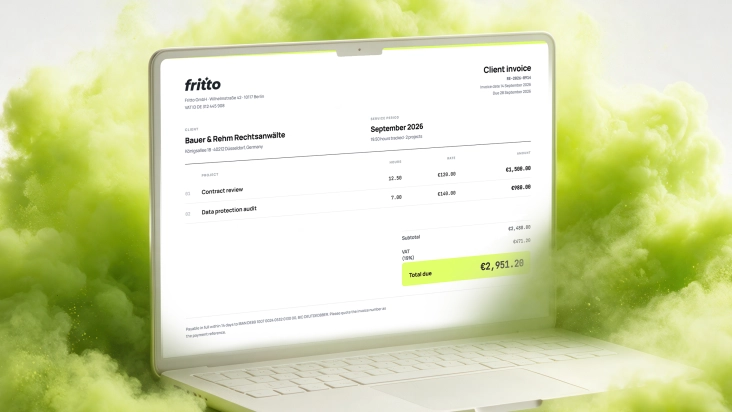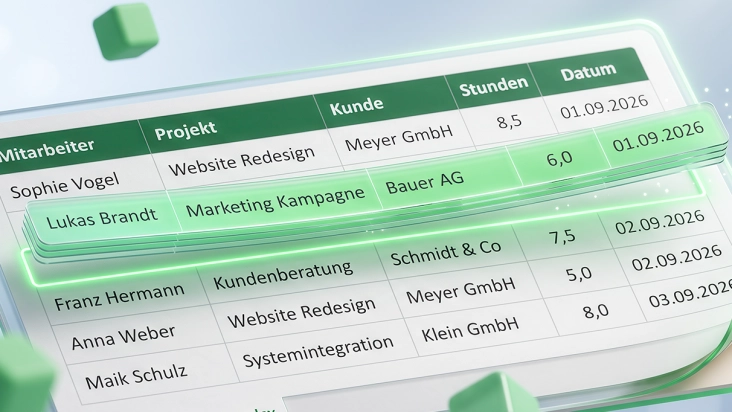
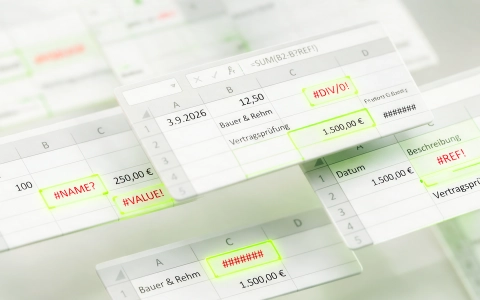
Excel is usually the first time-tracking tool a team has — not because anyone chose it, but because the file was already open. For one or two people, that works fine for a while. Once several people are logging into the same structure and a client invoice has to come out of it at month-end, the same five mistakes tend to show up — no matter how careful the team otherwise is.
The good news: none of these are Excel’s fault as such. They’re gaps that show up because Excel was built for spreadsheets, not for team-wide time tracking with an audit trail. Here are the five most common ones — and how Fritto rules each one out structurally, instead of just managing it better.
Short version: no access control in the cloud, manual sum formulas, inconsistent formats across employees, no single canonical format when merging, and no review step before invoicing — these are the five most typical pitfalls in Excel-based time tracking. None of them exist structurally in Fritto.
Mistake 1: No access control in the cloud
The time sheet rarely lives purely locally anymore — most mid-market teams have long since moved to OneDrive or SharePoint with automatic sync, so the classic backup problem is largely solved. What’s left is a different issue: anyone with access to the file can see everything in it, often including hourly rates or salary figures on a neighboring tab. There’s no audit trail of who changed which entry and when — only the file’s coarse version history. And if two people edit the same cell at the same time, the last save simply wins, with no warning about whose entry just got overwritten.
That’s more than an inconvenience: under German law (§ 16 (2) ArbZG), employers have to record certain working hours in a way that can be verified after the fact — a jointly edited Excel file with no per-entry change log doesn’t provide that audit trail. More on this in the separate article: Working Time Recording in Germany: What Businesses Need to Know Right Now.
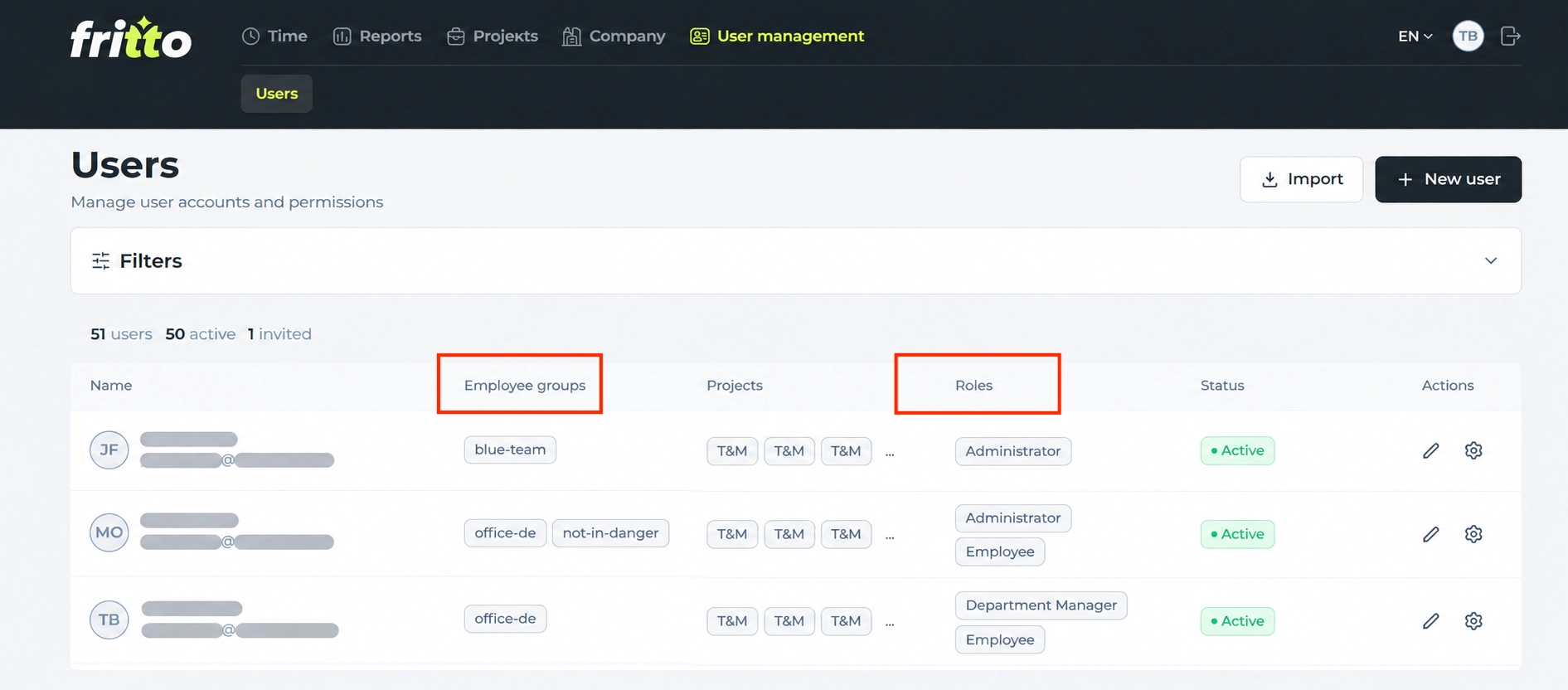
How Fritto solves this: Each person sees only what their role is meant to see — hourly rates and salary data aren’t visible to regular employees at all, only to the roles that actually need them. Every time entry is individually traceable: who logged it, when it was changed. And because each entry lands separately in the database on a server in Germany instead of in a jointly edited file, one person’s change never silently overwrites another’s.
Mistake 2: Manual totals
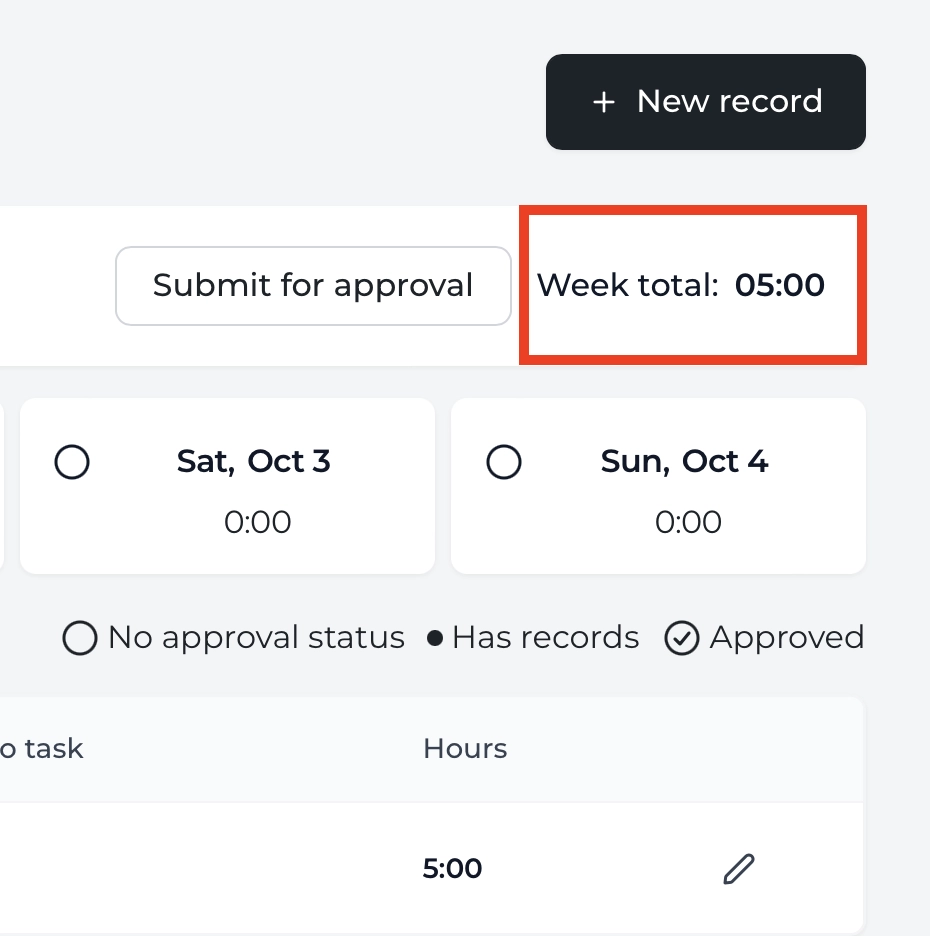
Total hours per client come from a SUM() formula pointing at a cell range. Insert or delete a row, and the reference often doesn’t shift with it — the formula suddenly sums one day too few or too many, with no error message. Just as risky: when totals are recalculated by hand with a calculator and typed in, a typo usually only surfaces once the client questions the invoice.
How Fritto solves this: Every single time entry feeds automatically into the total for its client and project — calculated by the system, not by a formula that can break. A report for a client or a month is ready in a few clicks, subtotals included. Nobody retypes a number, and nobody drags a formula over the wrong range.
Mistake 3: Inconsistent formats across employees
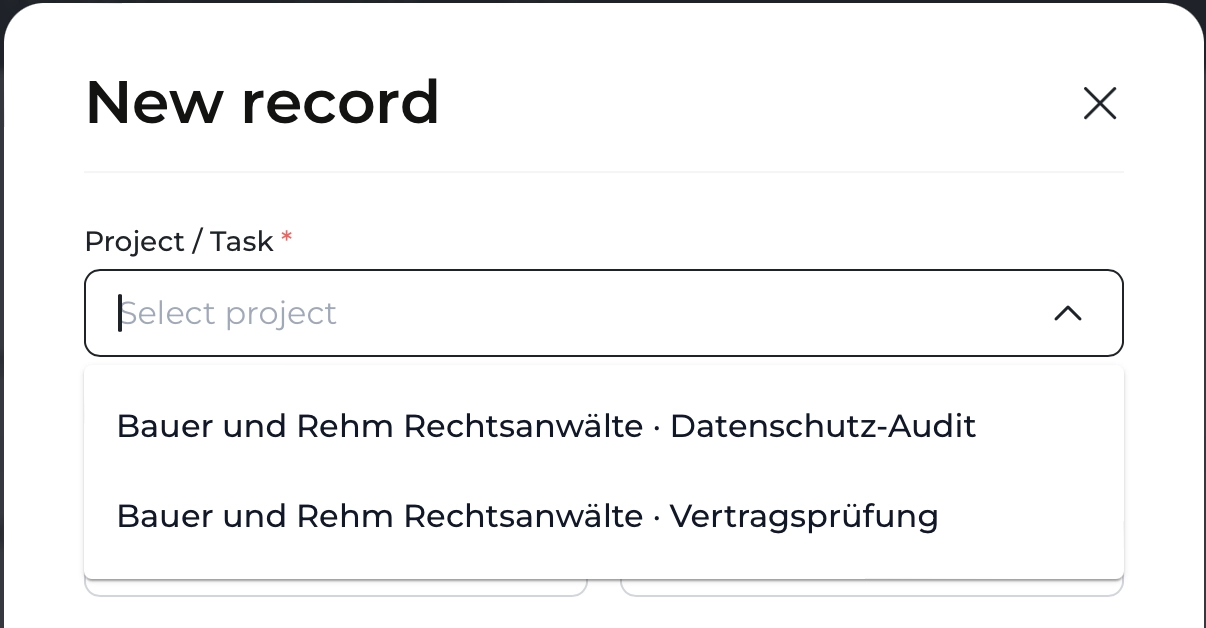
Five people, five Excel habits: one writes the date as 09/03, another as 3.9.2026. The client is called “Client A” in one file, “ClA” in another, “client_a” in a third. Project names are typed freely instead of selected. Each person’s own sheet looks clean on its own — it’s only once all the files get merged that nothing matches, and every discrepancy has to be fixed by hand.
How Fritto solves this: Client and project aren’t typed in — they’re picked from one fixed list shared by the whole team, whether the entry comes through the web interface, directly in a Jira ticket, or via a connected AI assistant. There’s no free-text field for client or project names to begin with, and dates are stored in one consistent format system-wide. However five different people log their hours, it comes out looking exactly the same.
Mistake 4: No single canonical format when merging
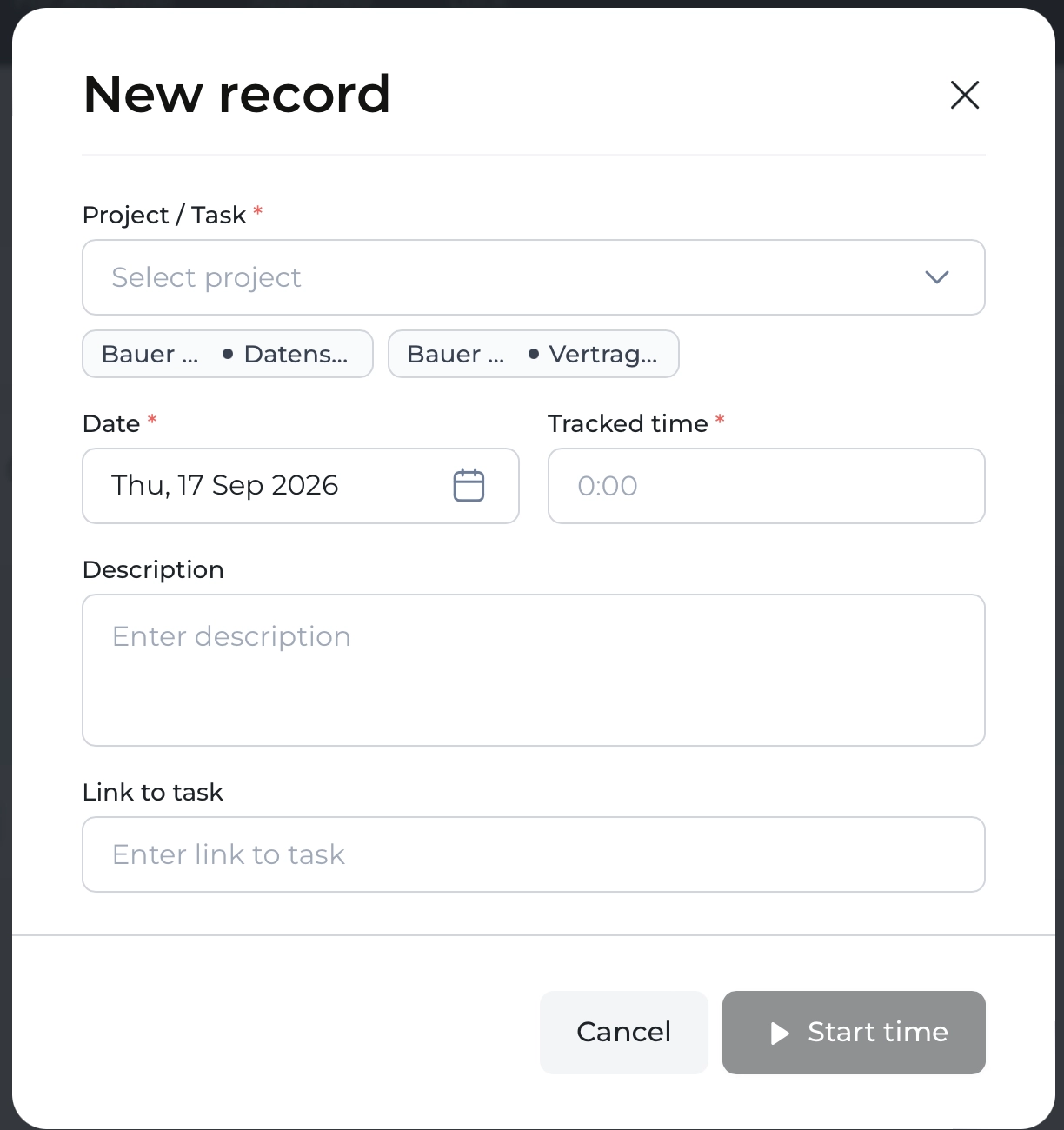
Even once all five people are working together in the same Excel file on SharePoint or Teams, the underlying problem doesn’t go away — it just shifts. At month-end, someone still has to build a client report out of everyone’s individual entries. Even with cloud co-editing, nobody knows whose format is canonical: Person A logs hours per day, Person B rolls them up per week, a third person keeps a separate column for travel time. The consolidation work stays exactly as manual as before — it’s just that everyone is now sitting in the same file at once instead of five separate ones.
How Fritto solves this: There’s no “whose format is canonical,” because there’s only one format: the time entry with client, project, date, and hours, in exactly the same structure for every person on the team. A report pulls its numbers live from that single source, no matter how many people are logging hours in parallel right now. For invoicing, this goes one step further: the live connection via Office Scripts writes current time data straight into your familiar Excel template at the push of a button — with no manual pulling-together at all.
Mistake 5: No review step
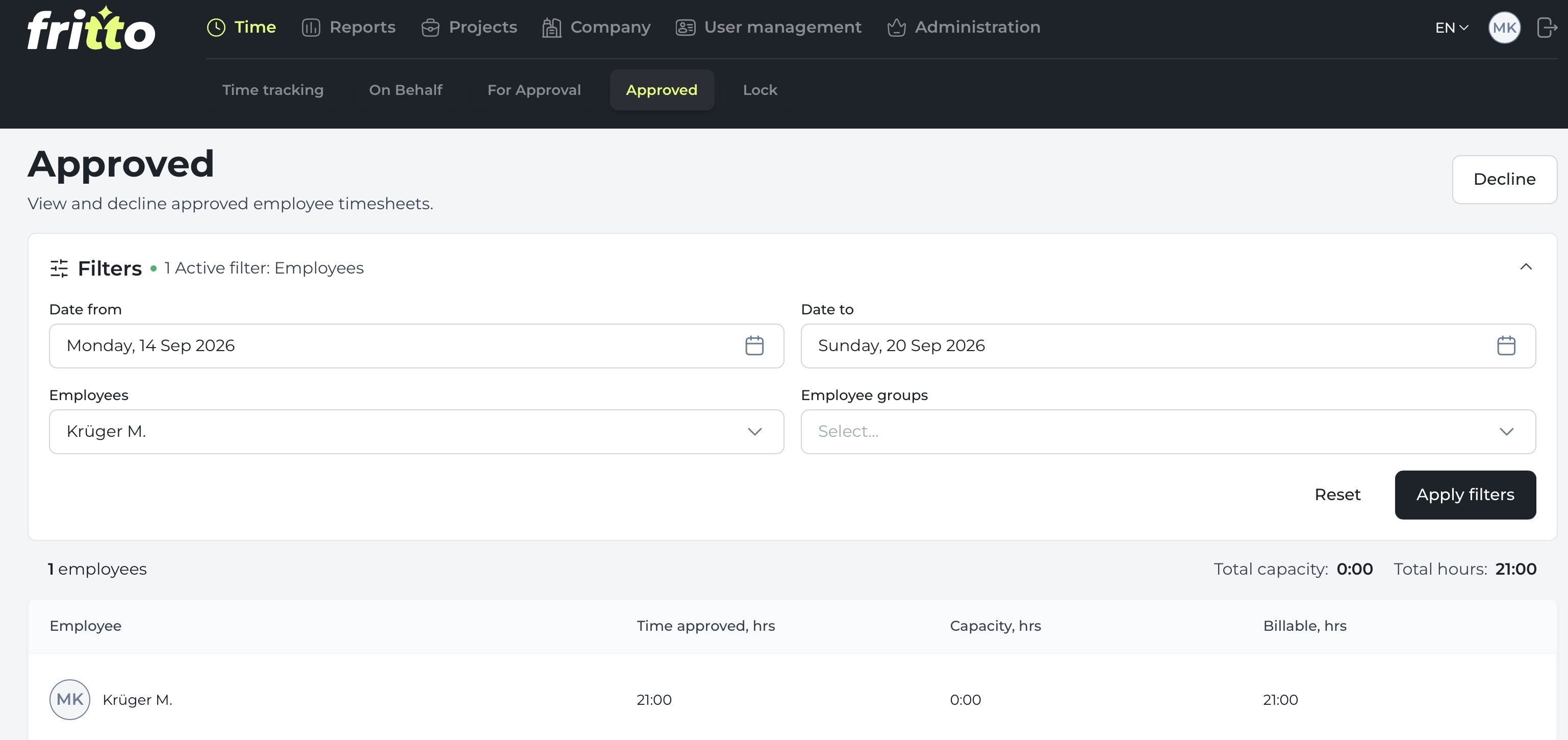
Hours go straight from the individual files into the client invoice, with nobody checking beforehand whether the entries actually make sense. A forgotten day, hours logged twice, or a task booked to the wrong client — the client usually notices before the team does. Explaining afterward why an invoice needs correcting costs more trust than the mistake itself.
How Fritto solves this: A review step is built into the workflow, not left to good intentions. Before hours are pulled into a report, someone responsible — depending on their role, a team lead or accounting — sees the entries directly in the Fritto interface and approves them. Anything not approved doesn’t make it into the invoice, and it stays traceable who checked what and when.
Bottom line
All five mistakes share the same root cause: Excel stores numbers, but it doesn’t control who’s allowed to see what, whether a formula is still correct, whether two people are using the same structure, or whether an entry has already been checked. That responsibility ends up with one person on the team — usually the one who already has the most to do at month-end.
Fritto removes that responsibility structurally, instead of just organizing it better: role-based access instead of one file open to everyone, automatic totals instead of formulas, a fixed list instead of free text, one consistent format instead of five different structures to merge, and a built-in review step instead of a good intention. For a worked example of what that looks like in numbers, see here the comparison of Excel-only, Fritto-only, and both combined on the blog.